Apply for a home
What the application asks, what it costs, and what happens after you send it.
Start your application
Open the home you want and select Apply now, or Apply on a unit in a building. You do not need an account to apply. If you are signed in, the application appears in your dashboard.
The application has five steps:
- Personal Information: your name, email, phone, and an emergency contact if you like.
- Residence History: where you live now and your current landlord's details.
- Employment & Income: your work and your monthly income before taxes.
- Application Details: when you want to move in, the lease length, how many people will live there and any pets.
- Review & Submit: check everything and give the consents, then submit.
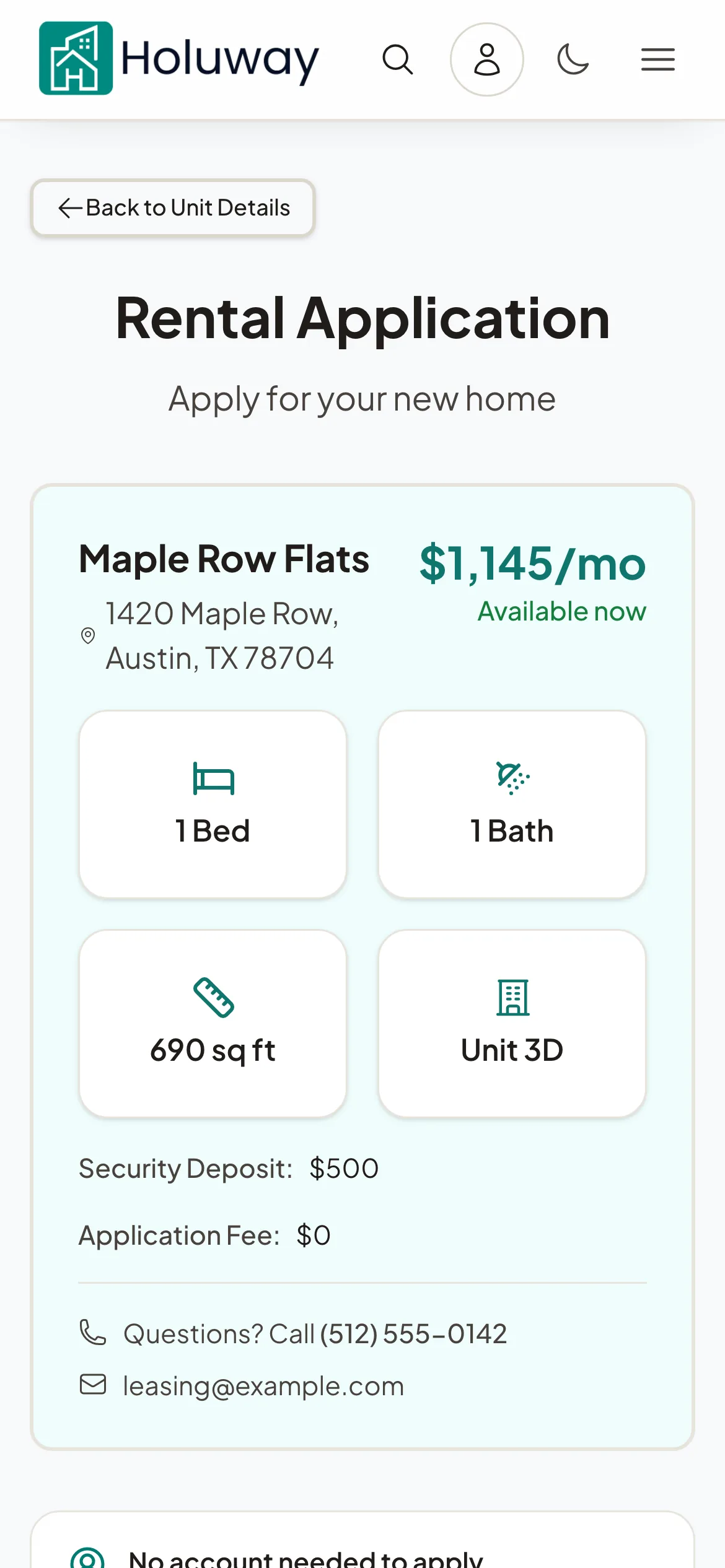
The application is not saved as a draft, so finish it in one sitting. The landlord may contact you for documents such as pay stubs.
Application fee
Some landlords ask for an application fee. The application shows it before you send anything, and nothing is charged before you send your application. You pay it by card afterwards: see Pay an application fee.
After you apply
We email you a confirmation with a link to your application's status page, and we email you again when the landlord decides. See Check your application status.
If you are approved, your lease comes next. To receive it you need a Holuway account with the email you applied with; the application joins that account on its own.
Note: The landlord makes every decision. Holuway never approves or declines an applicant.
Listings not yet on Holuway
Some listings are shown before their property joins Holuway. On those, Holuway keeps your request and passes it on if the property joins. Nothing is shared before then, and no money is taken.