Pay rent
Pay rent from your bank account or by card, see your statement, and know when a late fee is added.
Pay rent
- Step 1Open My home and select Pay rent, or open Pay rent in your resident portal.
- Step 2Check what you owe, then select Pay now, or Pay early when nothing is due yet.
- Step 3Under How much, choose Amount due now, Full balance or Another amount.
- Step 4Under How, choose Bank account or Debit or credit card. Each shows its fee, or No fee. Check Total charged and select Continue.
- Step 5Enter your bank or card details on the secure form and select the Pay button with the amount.
A bank payment shows Payment on its way and takes up to 4 business days to clear; we email you when it does. A card payment clears right away and shows Payment received. Either way, we email you a receipt.
Cards are offered only when your landlord accepts them; otherwise you see Your landlord accepts bank payments only. Payments are processed by Stripe. Holuway never sees your card or bank details.
To pay on each due date without doing anything, turn on autopay.
Your statement
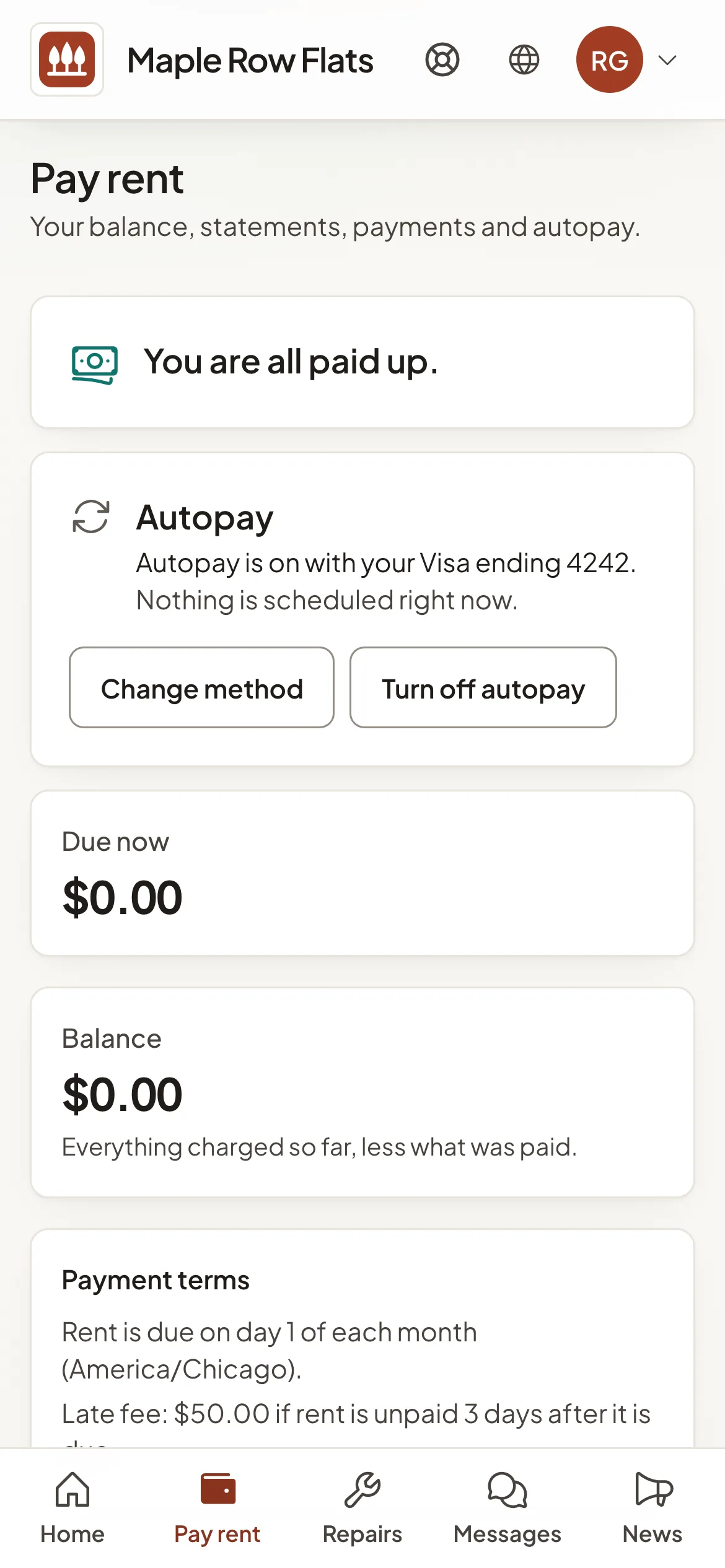
Under the payment and autopay panels, you see Due now, your Balance (or Credit on account when you paid ahead), your Charges with their status, such as Due, Partly paid or Paid, and Payments received. A bank payment on its way counts against what you can pay again until it clears.
Late fees and reminders
A late fee is added only as your lease says, after its grace days, if rent is still unpaid. Bank payments on their way count as paid. You get an email when one is added.
We email you a reminder a few days before rent is due if it is not paid yet. You can turn off Rent reminders in your email preferences.
Why is there no Pay now button?
The page says why: the lease is not active, your landlord has not finished setting up online payments, or online payments are not available right now. Until then, pay your landlord as agreed.
Can I pay part of what I owe?
Yes. Choose Another amount and enter what you want to pay, within the range the page shows.