Message your landlord
Write to the people who manage your home about your lease or an application.
Start a conversation
- Step 1Open Messages and select New message.
- Step 2Choose what it is about: one of your leases or one of your applications.
- Step 3Write your message and select Send. Enter sends; Shift and Enter adds a line.
You can also select Message the landlord from your home in My home. Repair requests have their own messages.
In your resident portal
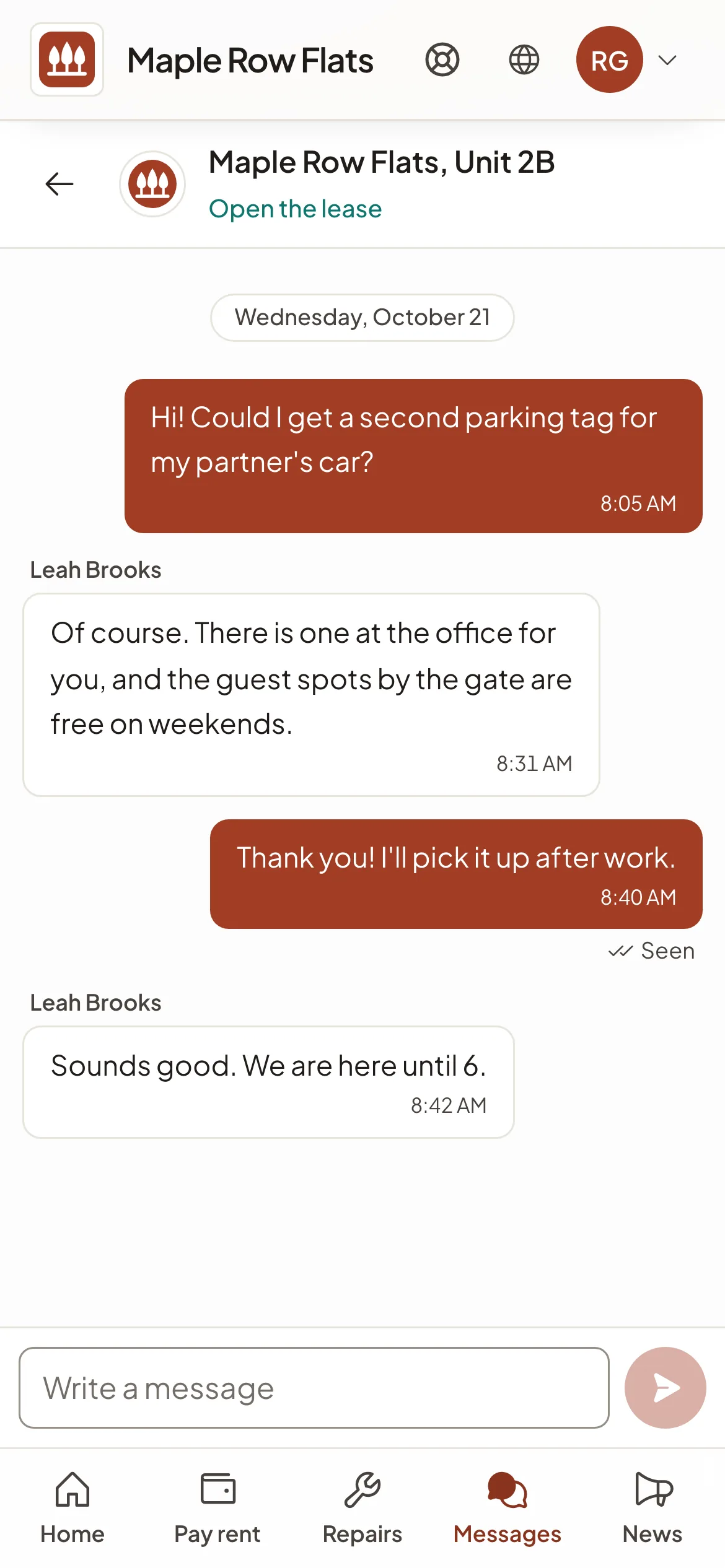
Open Messages, or select Message the office on the portal's home. The conversations are the same ones you see in your dashboard, for your leases at that property.
Before you apply
Messages in Holuway are about a lease or an application. Before you apply, use the leasing office's contact details on the listing, or book a tour.
Notifications
We email you when someone writes to you. You can turn off New messages emails in your email settings and still read everything in Messages.